Welcome to the Teacher Portal
What is Classroom RevivR?
Getting started

Watch video

Read lesson plan

Run a demo lesson
Download PDF resources


What do I need to run a lesson?

15 - 45
mins
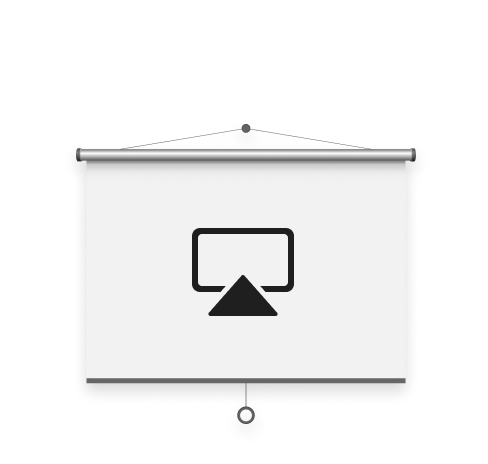
Room with
screen + space
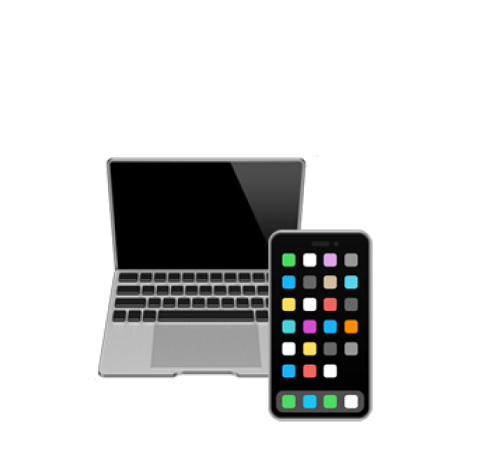
Devices (Optional)

Items to
compress
It's easy to teach a Classroom RevivR lesson, no need for specialist resources. Click on the images above to learn more.
Starting a Classroom RevivR lesson
1.
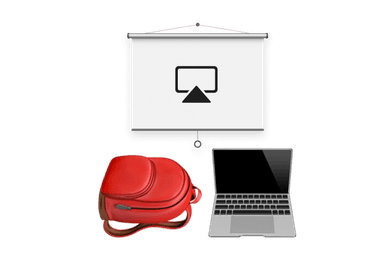
Clear the room and set it up
2.
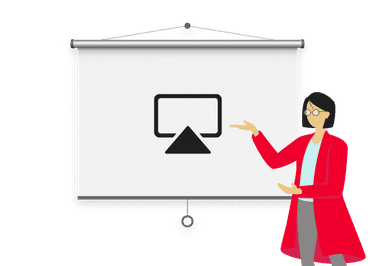
Connect your laptop to the screen and start a lesson
3.
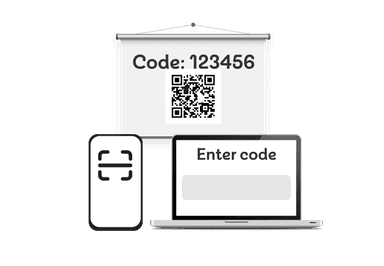
If students have devices, they can join lesson by entering the code or scanning the QR code at the start
What is Classroom RevivR?
Download PDF resources
Getting started
Watch video
Read lesson plan
Run a demo lesson
What do I need to run a lesson?
15 - 45
mins
Room with
screen + space
Devices (Optional)
Items to
compress
It's easy to teach a Classroom RevivR lesson, no need for specialist resources. Click on the images above to learn more.
Starting a Classroom RevivR lesson
1.
Clear the room and set it up
2.
Connect your laptop to the screen and start a lesson
3.
If students have devices, they can join lesson by entering the code or scanning the QR code at the start